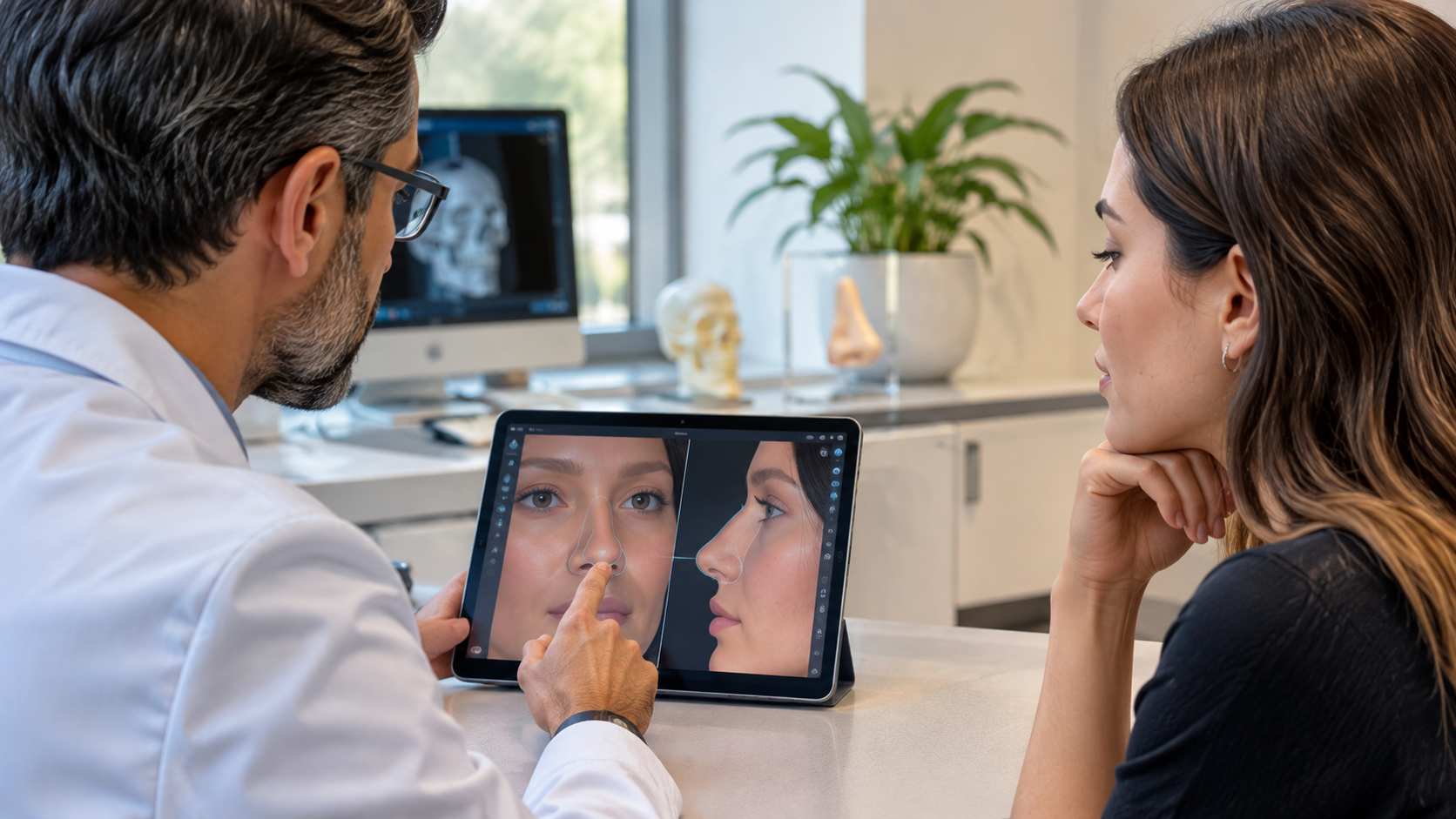
A rhinoplasty simulation in the consultation is a planning aid that shows the patient a possible outcome next to the current appearance so both sides can agree on goals. It helps communication and must not be presented as a guarantee of the result.
Why Use a Simulation in the Consultation?
Patients often struggle to describe the change they want in words. A 3D model lets them point at the nose and see options from several angles, and lets the surgeon explain what is and is not realistic for their anatomy.
What Should You Show?
- The current nose from the front, side and three-quarter views.
- The planned change next to the original, from the same angle.
- Measured values such as the nasolabial angle, so the discussion is based on numbers as well as images.
What Should You Say?
- The simulation shows a plan, not a promised result.
- Healing, swelling and skin thickness affect the final appearance.
- Some changes the patient asks for may not be possible with their anatomy.
What Should You Avoid?
- Presenting the preview as a guarantee.
- Showing an exaggerated change to please the patient.
- Letting the image replace informed consent.
How Can You Document It?
Save the scan, the plan and the discussion notes in the patient file. A surgical plan report can record what was agreed.
Kratos 3D lets the surgeon simulate the plan, compare before and after, and share the result with the patient.